Every Workchats Feature, Explained
WorkChats keeps your conversations, calls, files, and calendar in one place. Each feature is built to work on its own and better together. Here's what's inside.

Messaging & Channels
DMs, group chats, channels, threads, reactions, and voice notes. One place for every team conversation.
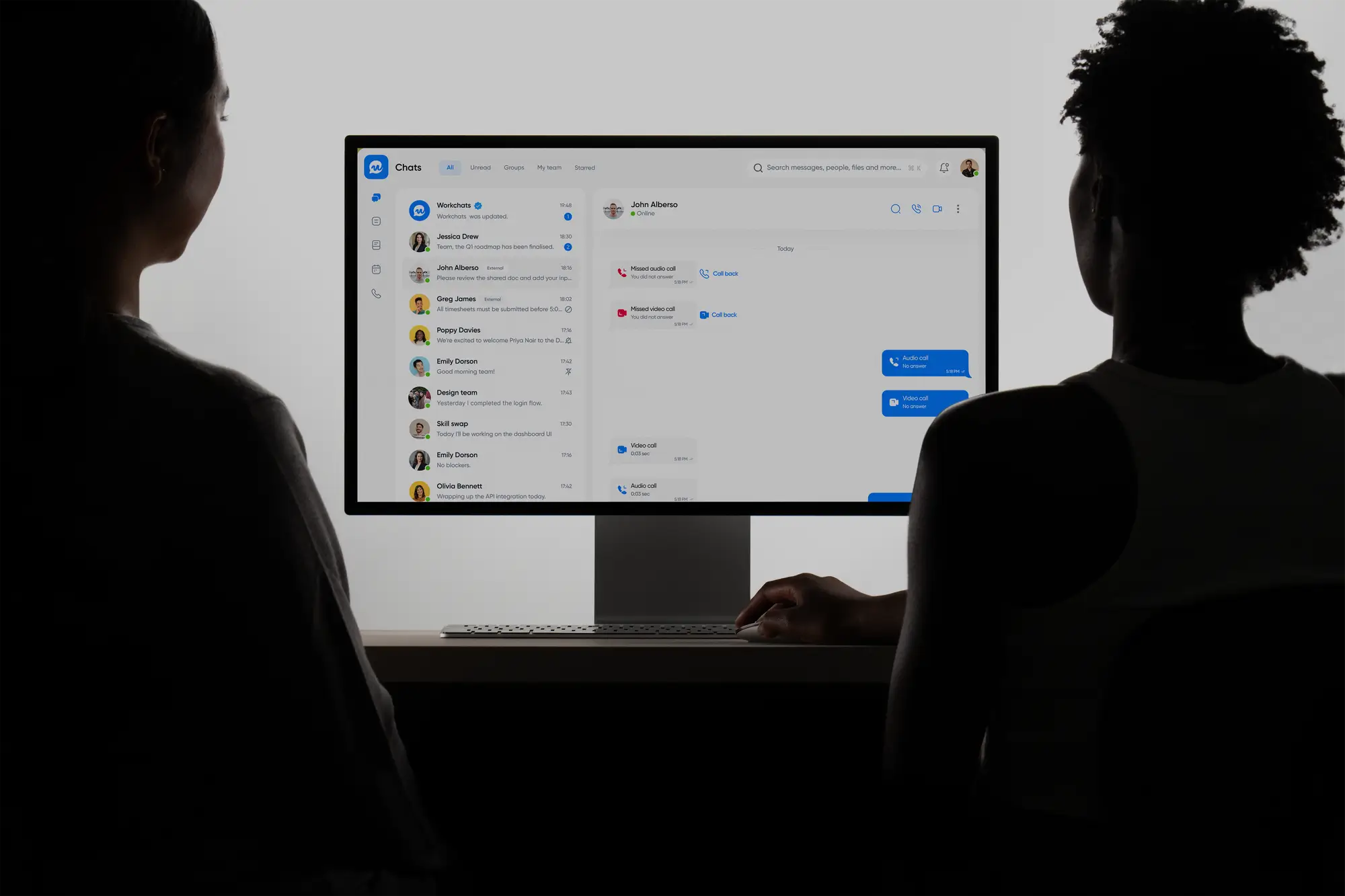
Video & Meetings
Start a call from any chat, group, or channel. Screen sharing, recording, and AI-generated meeting summaries, included.

Files & Search
Share files inside conversations. Preview without downloading. Search across messages, files, people, channels, and links.

Social Feed
A dedicated space for company announcements, team wins, and updates everyone sees, not buried in chat.
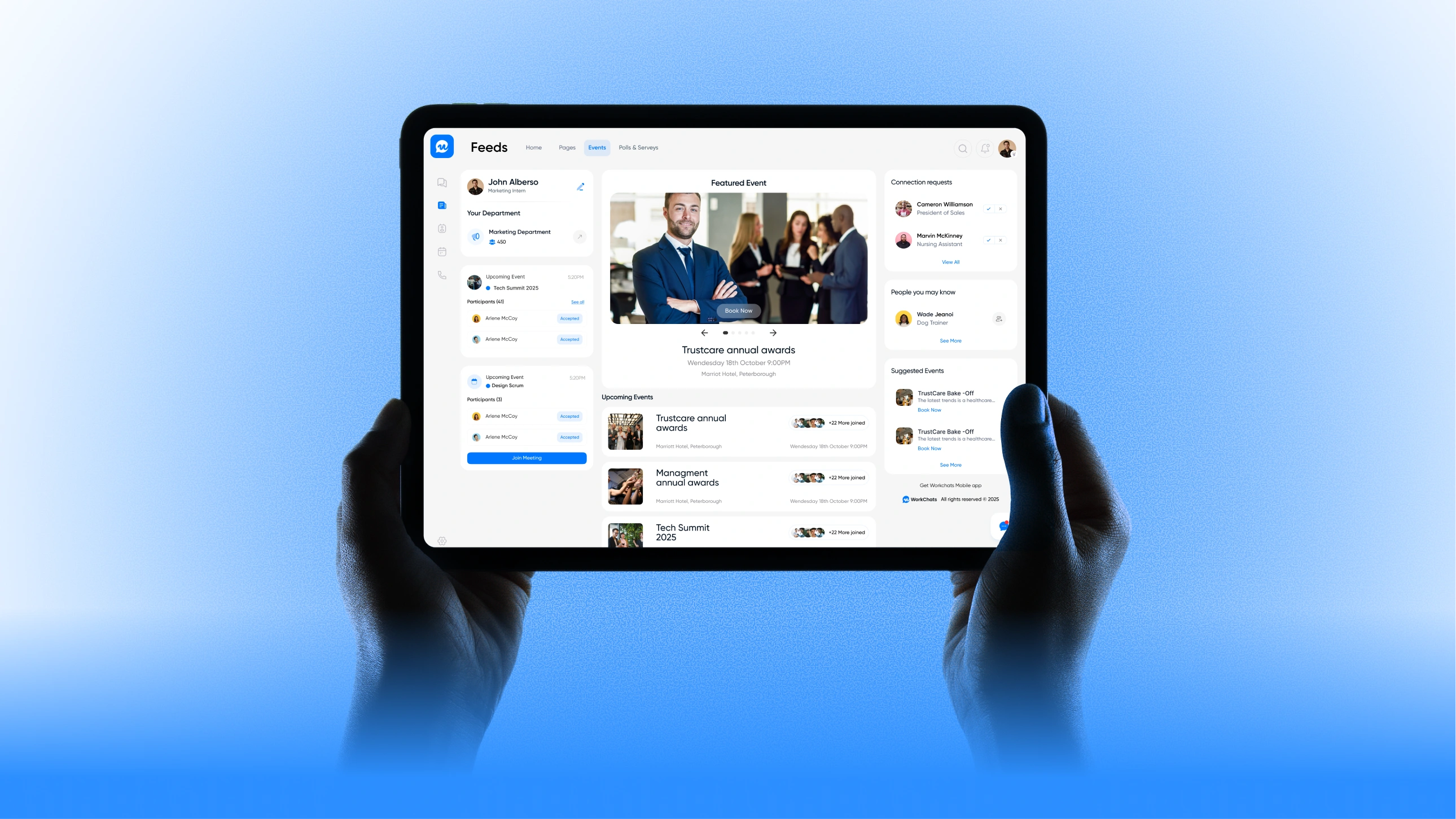
Events
Company events with RSVP tracking and calendar sync. Know who's coming without chasing replies.

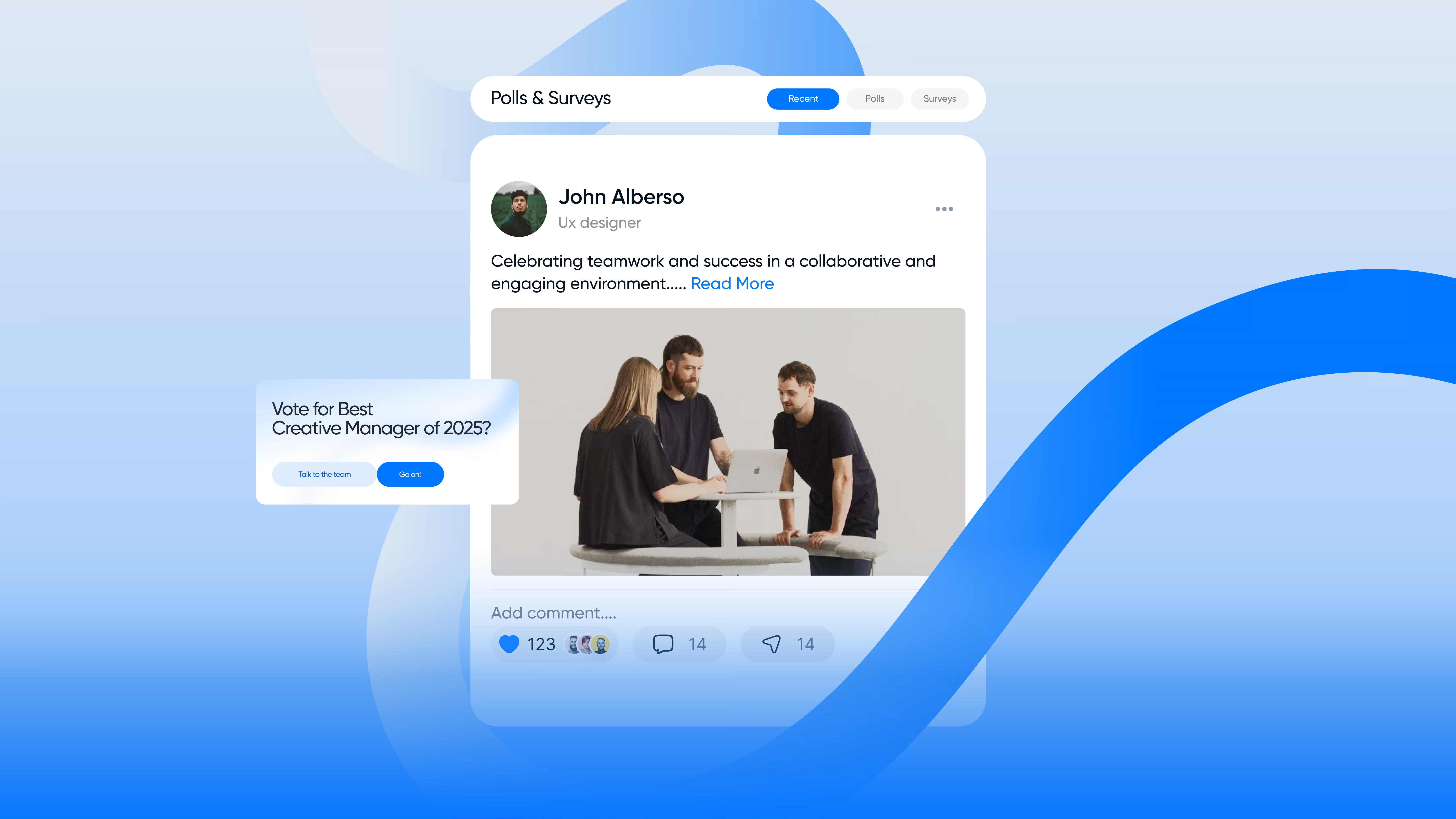
Polls & Surveys
Drop a poll into any channel. Anonymous or public. Get clean answers, not emoji tallies.